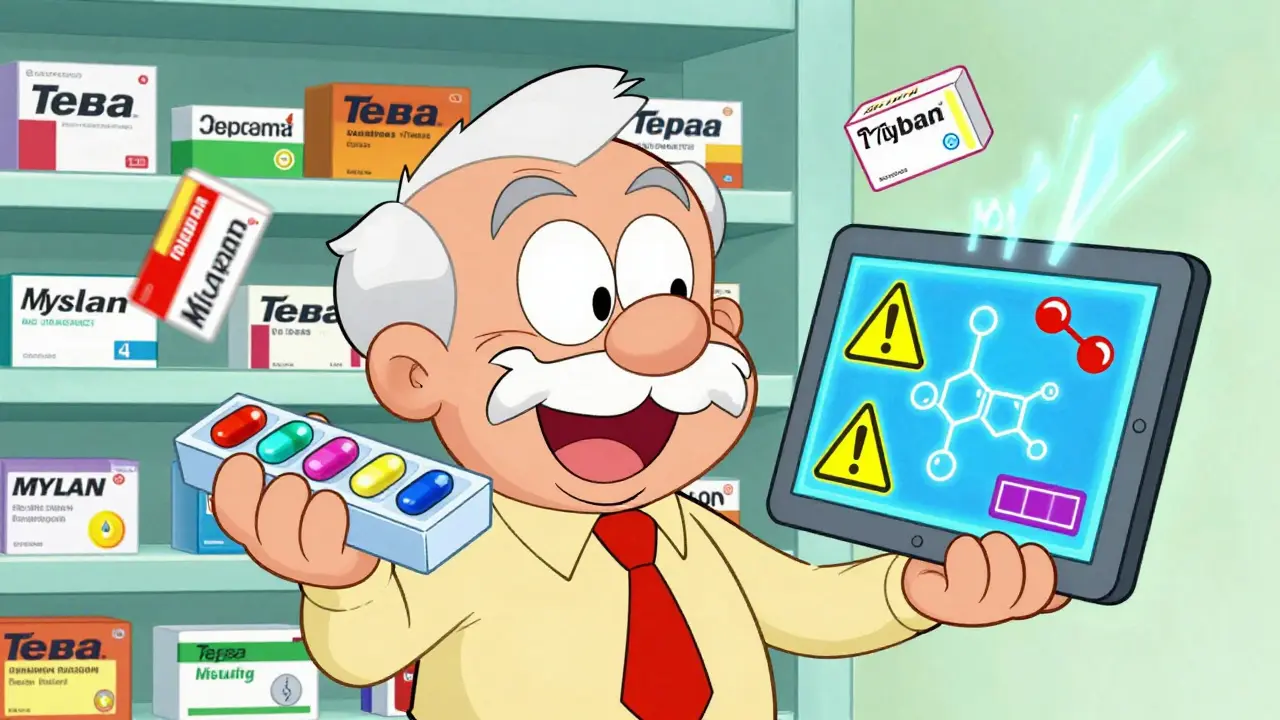
When you take multiple medications - especially generics - the risk of dangerous interactions goes up fast. It’s not just about mixing pills. It’s about how your body reacts when two or more drugs collide. A common blood pressure pill might make your diabetes medication less effective. An over-the-counter antacid could stop your antibiotic from working. And if you’re over 65, you’re likely taking nearly five prescriptions at once. That’s not rare - it’s the new normal. Digital consultation tools are now the frontline defense against these hidden dangers.
Why Generic Drugs Raise the Risk
Generic drugs are chemically identical to their brand-name versions. That’s the law. But here’s the catch: pharmacies switch between different generic manufacturers all the time. One month, you get the generic metoprolol from Teva. Next month, it’s from Mylan. The active ingredient is the same, but the fillers, coatings, and release mechanisms can vary. These small differences can affect how fast your body absorbs the drug - and that changes how it interacts with everything else you’re taking.Most people don’t realize this. They assume if it’s labeled "generic," it’s exactly the same every time. But the interaction risk? It doesn’t care about the label. It cares about the chemistry in your bloodstream. That’s why checking interactions isn’t optional anymore - it’s essential.
What Digital Tools Actually Do
These aren’t fancy apps that just show you side effects. They’re clinical decision engines. You type in the names of your drugs - brand or generic - and the tool scans thousands of known interactions. It doesn’t just say "possible interaction." It tells you:- How severe it is (minor, moderate, serious)
- What’s happening in your body (e.g., "Drug A slows the metabolism of Drug B, causing toxic buildup")
- What to watch for (symptoms like dizziness, irregular heartbeat, nausea)
- What to do instead (alternative meds, timing changes, monitoring needed)
Some tools even flag interactions with herbal supplements - something many doctors overlook. St. John’s Wort, for example, can tank the effectiveness of birth control pills, blood thinners, and antidepressants. If your digital tool doesn’t include supplements, you’re missing half the picture.
Top Tools Used by Real Clinicians
Not all apps are created equal. Here’s what the professionals actually use:- Epocrates: The most popular mobile app. Lets you check up to 30 drugs at once. Free version works great for most people. Used by 76% of outpatient providers. Fast, clean, and updates daily.
- Micromedex: The hospital standard. Used in 89% of U.S. hospitals. Can check IV compatibility, calculate doses, and flag rare interactions. Requires a subscription but integrates directly with hospital EHR systems.
- DrugBank: Powerful for research. Shows detailed mechanisms - how drugs bind to enzymes, affect liver metabolism, etc. Free version is limited. You need to sign up just to see basic info.
- DDInter: Free, open-source, and built by researchers. Great for understanding the science behind interactions. Only lets you check five drugs at a time. Interface feels like a lab report - not user-friendly for quick checks.
- mobilePDR: Official app from Prescriber’s Digital Reference. Updates drug info within a week of manufacturer changes. Reliable, but doesn’t cover supplements well.
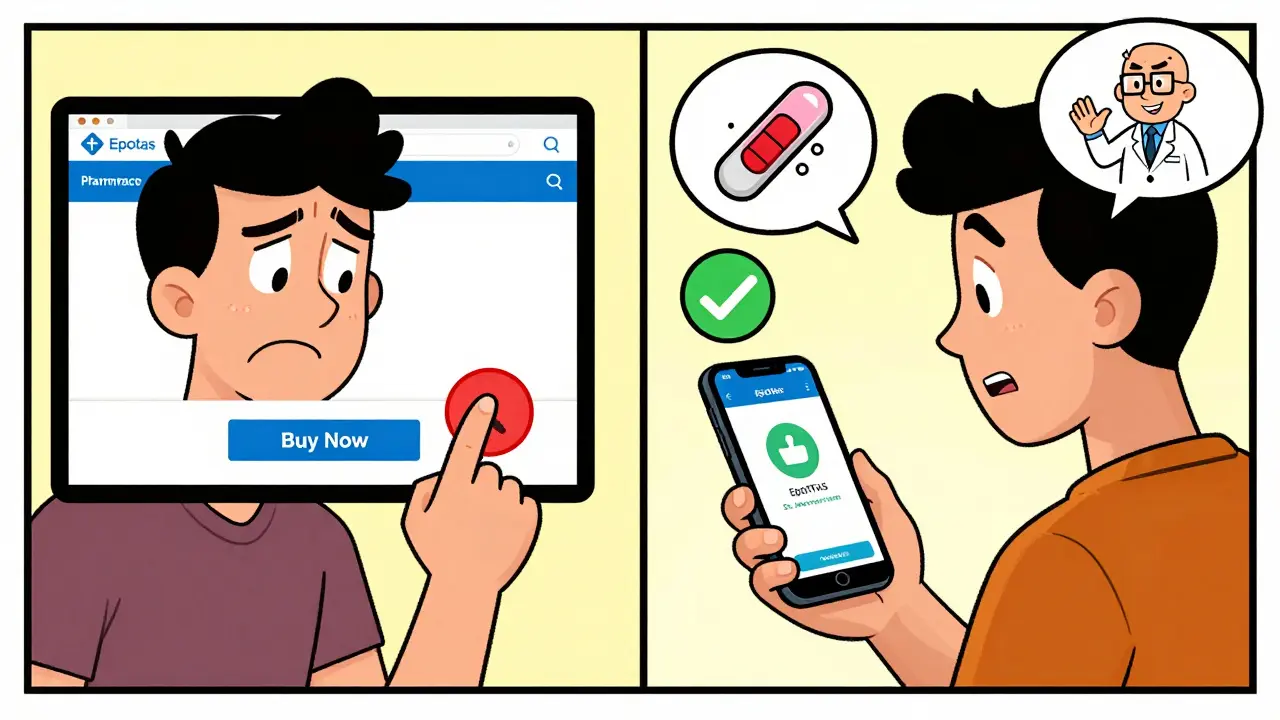
For most people using online pharmacies or managing meds at home, Epocrates is the sweet spot. It’s free, fast, and doesn’t require a login. You can check your entire list before hitting "buy" on your next refill.
The Hidden Problem: False Alarms
These tools are powerful - but they’re not perfect. They generate a lot of warnings. Too many. Studies show clinicians ignore 49% to 96% of interaction alerts because so many are false positives.For example: A tool might flag a combination of aspirin and a blood thinner as "serious." But if you’re taking low-dose aspirin for heart protection, and your doctor knows your INR is stable, that warning is noise. The tool doesn’t know your full history - your kidney function, your age, your diet. It just sees two drugs and says "danger."
This is called alert fatigue. And it’s dangerous. When you start ignoring every warning, you might miss the one that could save your life.
Best practice? Don’t skip a warning - but don’t panic either. Use the tool as a starting point. Look at the severity level. Read the explanation. Then talk to your pharmacist. A good pharmacist will tell you if the interaction is real, theoretical, or just a system glitch.
How to Use These Tools Right
Here’s how to make sure you’re getting real value:- Enter every drug - including supplements, OTC meds, and even occasional ones like ibuprofen or melatonin.
- Use the generic name - not the brand. Brand names change. Generics don’t. Type "metoprolol," not "Lopressor."
- Check every refill - even if it’s the same drug. The manufacturer might have switched.
- Don’t rely on the app alone - use it to prepare for your pharmacy visit. Say: "I checked this combo and it flagged a moderate interaction. Can you confirm it’s safe?"
- Update your list monthly - add new meds, remove ones you stopped.
One woman in Halifax started using Epocrates after her husband had a bad reaction to a new generic statin. She checked every new prescription before picking it up. Three months later, she caught a dangerous interaction between her new thyroid med and her calcium supplement. The pharmacy hadn’t flagged it - her app did. She called her doctor. They changed the timing. No hospital visit. No emergency.
What Online Pharmacies Don’t Tell You
Most online pharmacies focus on convenience: fast shipping, low prices, auto-refills. But very few integrate interaction-checking tools into their checkout process. You can order 12 pills with one click - but no warning pops up if they clash with your other meds.That’s a gap. And it’s dangerous. If you’re buying from an online pharmacy, treat it like a DIY surgery. You’re responsible for safety. Don’t assume they’re checking for you. Use your own tool. Print out your med list. Bring it to your pharmacist. Even if you’re ordering online, don’t skip the human check.
The Future: AI That Predicts, Not Just Warns
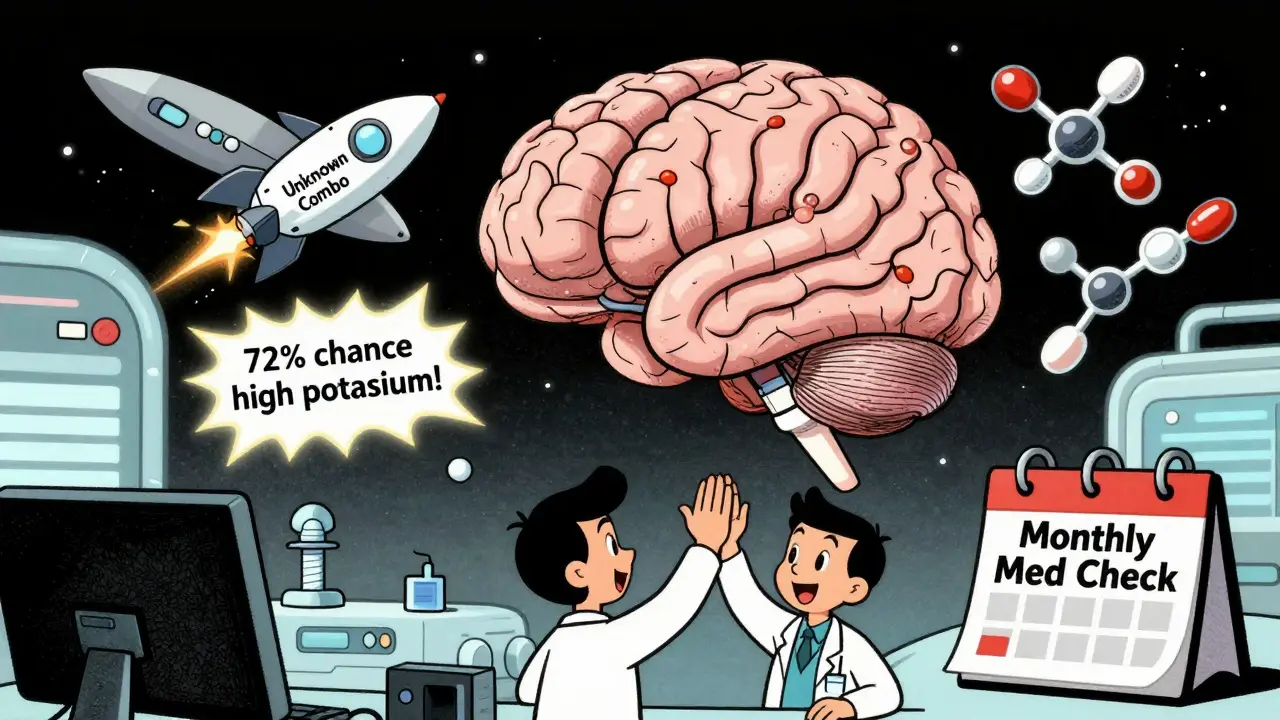
The next wave isn’t just checking known interactions. It’s predicting new ones. Merative, the company behind Micromedex, bought a startup in 2023 that uses AI to spot patterns no human has seen before. DDInter’s 2024 update now uses machine learning to guess how two drugs might interact based on their molecular structure - even if no one’s documented it yet.The FDA is pushing for this. In 2023, they named improved interaction prediction as a top priority. Soon, your digital tool might say: "This combo hasn’t been reported, but based on similar drugs, there’s a 72% chance it could raise your potassium to dangerous levels. Monitor with a blood test in 7 days."
That’s the future. But today? You still need to do the work. Use the tools. Ask questions. Don’t let convenience become carelessness.
Can I trust generic drug interaction checkers?
Yes - but only if you use them correctly. The best tools (like Epocrates and Micromedex) are backed by clinical data and updated daily. But they’re not infallible. They can miss rare interactions or flag harmless ones. Use them as a safety net, not a replacement for talking to your pharmacist or doctor.
Are free tools good enough?
For most people, yes. Epocrates’ free version lets you check up to 30 drugs, includes supplements, and updates daily. You don’t need to pay unless you’re managing complex hospital-level regimens or need IV compatibility data. DrugBank’s free tier is too limited - you’ll keep hitting paywalls. Stick with Epocrates if you want free and effective.
What if my online pharmacy doesn’t offer interaction checks?
Then you have to do it yourself. Before you buy, enter your full med list into Epocrates or another trusted tool. Print the results or save the screenshot. Take it to your local pharmacist - even if you bought the pills online. Pharmacists are trained to spot interactions. They’ll thank you for coming prepared.
Do these tools work for herbal supplements?
Some do, some don’t. Epocrates includes over 1,000 herbal and supplement entries. DrugBank and DDInter have limited coverage. mobilePDR barely covers them. If you take turmeric, ginkgo, or St. John’s Wort, make sure your tool includes them. Many serious interactions happen with supplements - not prescription drugs.
How often should I check for interactions?
Every time you get a new prescription - even if it’s just a 7-day supply. Also check when your generic brand changes (you’ll see a different name on the bottle). And review your full list every 30 days. Medication regimens change fast. So should your checks.
Is there a tool that works offline?
Epocrates lets you download drug data for offline use. Micromedex does too, but only for subscribers. DDInter and DrugBank require internet access. If you’re in areas with poor signal or want to check meds while traveling, download your drug list in advance. You can’t rely on Wi-Fi when your life depends on it.
Paula Villete
Just checked my med list on Epocrates after reading this-turns out my turmeric and blood thinner are playing tug-of-war in my liver. Scary stuff. I always thought herbal stuff was ‘safe.’ Turns out ‘natural’ just means the FDA doesn’t care enough to regulate it. Thanks for the wake-up call.
Also, why do pharmacies switch generics like they’re trading baseball cards? I’m not a chemist, I just want my pills to work the same way every month.
Georgia Brach
The premise is flawed. Digital tools don’t prevent interactions-they generate noise. Clinicians ignore 90% of alerts because they’re statistically meaningless. This is algorithmic paternalism disguised as safety. You’re not safer-you’re desensitized. The real issue is polypharmacy in aging populations, not the tools. Fix the prescribing culture, not the app.
Katie Taylor
STOP LETTING BIG PHARMA GET AWAY WITH THIS. Generics aren’t ‘the same’-they’re cheaper knockoffs with different binders that change absorption rates. And these apps? They’re built by the same companies that profit from your confusion. If you’re over 65, you’re being dosed like a lab rat. Demand brand-name prescriptions. Insist on it. Your life isn’t a cost-cutting experiment.
Payson Mattes
Did you know the FDA allows generics to vary by up to 20% in bioavailability? That’s not a glitch-it’s a loophole. And these ‘tools’? They’re all owned by the same three corporations that sell the drugs. They don’t want you to know that St. John’s Wort can nullify your antidepressant because then you’d stop buying the brand-name version.
Also, why do you think Epocrates is free? They’re harvesting your med data to sell to insurers. I’ve seen the contracts. You’re not using a tool-you’re being monitored.
Steven Mayer
The pharmacokinetic variability among generic manufacturers is non-trivial. Cmax and AUC fluctuations exceed bioequivalence thresholds in 18% of cases per FDA 2022 bioavailability reports. The clinical significance of altered absorption kinetics-particularly with narrow-therapeutic-index agents like warfarin or levothyroxine-is underappreciated in consumer-facing interfaces.
Moreover, the alert fatigue phenomenon is a well-documented cognitive bias in clinical decision support systems, with false positive rates exceeding 90% in ambulatory settings. This undermines trust in evidence-based alerts.
Ademola Madehin
Bro, I just bought 5 meds online last week and didn’t check a single thing. I’m still alive. Maybe the real danger is overthinking? 😅
But then again, my aunt took three pills and ended up in ICU. So… yeah. Maybe check your stuff. Just saying.
suhani mathur
Love how you listed Epocrates first. I’ve been using it for years-free, no login, works on my grandma’s ancient Android. The supplement database saved me when I started taking ashwagandha with my thyroid med. The app flagged it as ‘moderate interaction’-pharmacist said it was fine but to take them 4 hours apart.
Point is: tools don’t replace knowledge, they amplify it. Use them like a flashlight, not a crystal ball.
Jeffrey Frye
epocrates is fine i guess but micromedex is the real deal. i work in a hospital and we use it. but like… why do we even need this? why are people on 7 meds? someone should’ve stopped that before it got this bad. also st. john’s wort? really? people still take that? it’s like a 2008 trend that never died.
Andrea Di Candia
I love how this post doesn’t villainize the system but just says: here’s the problem, here’s how you can protect yourself. That’s the most powerful kind of advice.
I’m 71 and on six meds. I used to just trust the pharmacist. Then I started checking every refill on Epocrates. I caught a conflict between my new blood pressure pill and my fish oil-something the pharmacy missed. We adjusted the dose. No big deal.
But here’s the thing: I didn’t do it because I’m paranoid. I did it because I want to keep living. And if a little app helps me do that? I’m all for it.
Also, yes, generics switch. Yes, it matters. Yes, you should care. Not because you’re scared-but because you’re smart.
bharath vinay
This is all a distraction. The real issue is that the FDA approves generics without requiring clinical trials. That’s not science-it’s corporate greed. And these apps? They’re just PR tools to make you feel safe while the system keeps poisoning people. They don’t test for long-term cumulative effects. They don’t account for gut microbiome changes. They don’t care about your stress levels or sleep. It’s all surface-level. You’re being sold a lie wrapped in a free app.
Dan Gaytan
Just wanted to say THANK YOU for this. My dad almost had a stroke last year because he didn’t know his generic statin was clashing with his new vitamin D supplement. We found out because I checked it on Epocrates before his refill. He still thinks I’m overreacting. But I told him: ‘Better safe than sorry.’
And honestly? If this saves one person from a hospital trip, it’s worth it. Keep sharing this stuff. We need more of this, not less. ❤️
Usha Sundar
My pharmacist switched my generic without telling me. I felt dizzy for a week. Turned out the new one had a different filler. Epocrates flagged nothing. I had to figure it out myself.
So yeah. Tools help. But trust your body more.
Andy Grace
Interesting breakdown. I’ve been using DDInter for research purposes-it’s clunky, but the molecular interaction maps are fascinating. I wish more clinicians understood the enzyme inhibition pathways. It’s not just ‘don’t mix X and Y’-it’s about CYP3A4, P-glycoprotein, plasma protein binding. The real science is hidden behind the warnings.
Still, for the average person? Epocrates is fine. Just don’t assume it’s magic.
Delilah Rose
I’ve been reading this whole thing and I just… I don’t know. It’s overwhelming. I’m 58, on five meds, take magnesium, omega-3, and melatonin, and I’ve been buying my pills from an online pharmacy for two years because it’s cheaper. I never thought about the manufacturer changing. I never thought about supplements interacting. I just assumed if it’s on the label, it’s fine.
Now I’m sitting here with a list of 14 things I need to check. I feel like I’ve been living in a bubble. But I’m not mad-I’m grateful. This isn’t fearmongering. It’s a lifeline. I’m printing this out. I’m taking it to my pharmacist tomorrow. I’m checking every refill. I’m downloading Epocrates right now. Thank you for not making me feel stupid for not knowing this sooner.
Spencer Garcia
Best advice in this thread: check every refill. Even if it’s the same drug. Even if it’s the same pharmacy. Manufacturers change. Fillers change. Your body notices.
And yes-Epocrates free version is all you need. No need to overcomplicate it. Just open it. Type it in. Hit search. Two seconds. That’s your safety net.
Do it. Every time.